

Building a professional website no longer requires a web developer, a design background, or weeks of work. In 2026, AI website builders can generate a fully functional, visually polished, multi-page website from a text description in under ten minutes. The tools have matured significantly from earlier generations that produced generic, template-like results — today’s leading platforms apply AI to layout generation, copy writing, image creation, SEO configuration, and mobile responsiveness simultaneously, producing sites that credibly represent a professional, creator, or small business without modification. This guide explains exactly which tool to use for your specific goal, and the verified step-by-step process to get from a blank screen to a published site.
Choosing the Right AI Website Builder: A Decision Framework
The leading AI website builders in 2026 are Wix AI for the most feature-rich marketing sites, Framer AI for design-forward portfolios, Durable AI for the fastest setup, Squarespace AI for visual polish, and Hostinger AI Builder for the most budget-friendly results. The right choice depends entirely on your goal and how much time you intend to spend on refinement after the initial AI generation.
For creatives and portfolios, Squarespace AI and Framer AI offer visually stunning designs with strong brand consistency. For small businesses, Wix AI, Durable, and Hostinger are ideal for quick launches with minimal setup. For scalability into a more complex site, 10Web — built on WordPress — provides flexibility to expand over time. For absolute beginners wanting the simplest guided experience, Site123 provides a step-by-step process with no decisions to make.
Option A: The Fastest Path — Durable AI (Under 2 Minutes)
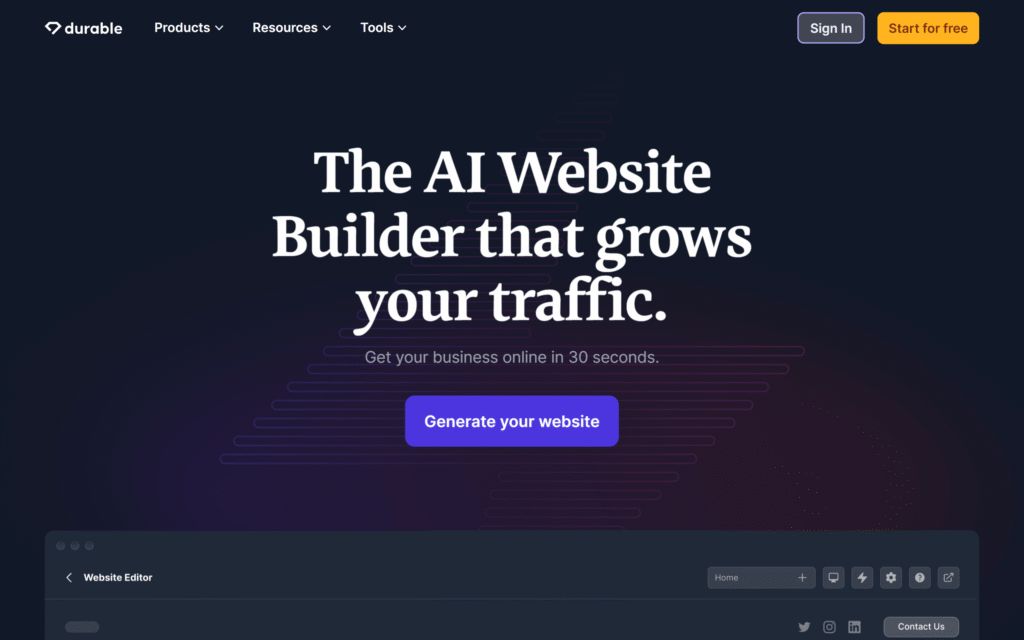
Durable claims to build a website in 30 seconds. Independent testing found the actual time from clicking Start to a functioning business site is approximately 47 seconds. The AI makes assumptions based on your business category — sometimes accurate, sometimes requiring correction. Free to generate; $12 per month to publish with a custom domain and AI tools enabled.
Step 1: Go to durable.co. Click “Build my website.”
Step 2: Enter your business type — for example, “freelance graphic designer” or “restaurant in Mumbai” — and your business name.
Step 3: The AI generates a complete site with homepage, service descriptions, contact form, and AI-created visuals in under a minute.
Step 4: Review the generated content. Use the AI editor to update copy: click any section, type “rewrite this to emphasize my expertise in brand identity,” and the AI revises it instantly.
Step 5: Connect a custom domain through the publishing interface. Publish.
The trade-off with Durable is design depth. Durable is best for solo founders, freelancers, local service professionals, and small shops who need a clean, working website fast. Skip Durable if you need fine visual control, large e-commerce functionality, or custom backend workflows.
Option B: The Design-Focused Path — Framer AI (5–8 Minutes)
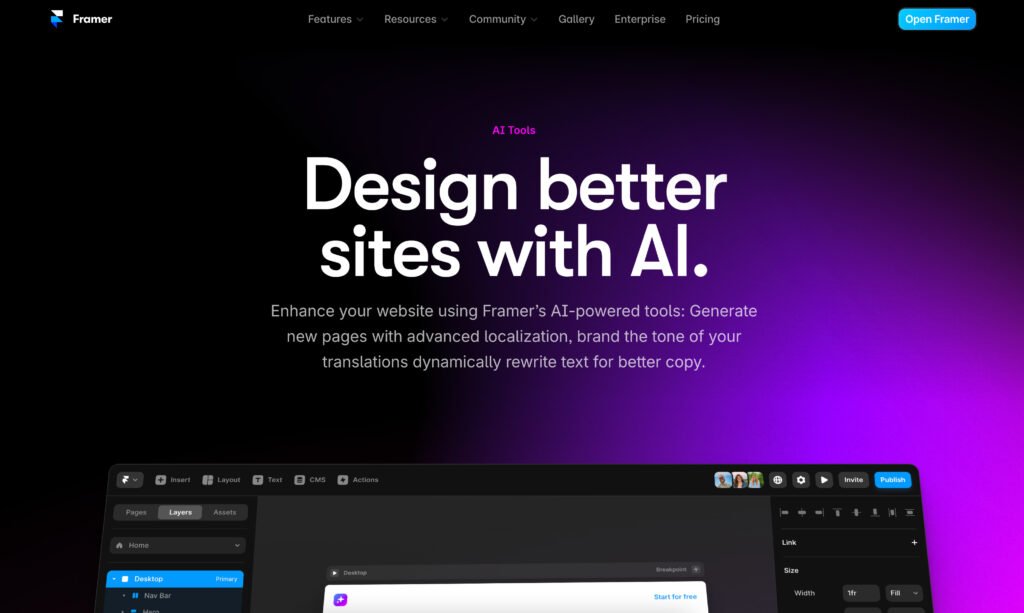
Framer combines beautiful design with AI. Its templates are design-forward, and the AI customizes colors, layouts, and copy. It is best for designers and creatives wanting beautiful portfolios or marketing sites. Free for one site; Pro from $15 per month.
Step 1: Go to framer.com and sign up for a free account.
Step 2: Click “Start with AI.” In the prompt field, describe your site in detail: “Portfolio website for a Mumbai-based UX designer, minimalist dark aesthetic, showcasing mobile app projects, clean typography, subtle animations.”
Step 3: Framer generates a full multi-page layout — typically homepage, work, about, and contact — within 60 to 90 seconds.
Step 4: Use the visual editor, which operates like a Figma-style drag-and-drop interface, to customize colors, fonts, and content. Replace the placeholder text with your own. Swap placeholder images with your actual work.
Step 5: In the SEO settings, add your page title, meta description, and site description — Framer’s AI will suggest these based on your content.
Step 6: Click Publish. The full process from prompt to published site takes less than 20 minutes with refinement, or under 10 minutes for a basic version with minimal editing.
Option C: The Most Feature-Rich Path — Wix AI (8–10 Minutes)
Wix AI uses a conversational chatbot approach — it asks questions about your business, style preferences, and goals, then generates a personalized site. Key features include an AI text generator for short and long-form content, an AI image generator for custom visuals, an AI SEO assistant that analyzes pages and provides optimization recommendations, tone-of-voice adjustment to match your brand, and over 800 templates as starting points. Free plan available; premium plans from $17 per month including domain and hosting.
Step 1: Go to wix.com. Select “Create New Site” and choose “Let AI create a site for me.”
Step 2: Answer the chatbot’s questions: What type of site are you building? (Business, portfolio, blog, online store.) What is your business name and category? What features do you need? (Booking system, online payments, blog.)
Step 3: Wix generates a complete site based on your answers, typically in 30 to 60 seconds.
Step 4: Review each page and use the drag-and-drop editor to customize layout elements.
Step 5: Use the built-in Wix SEO Assistant to optimize each page — it provides actionable, specific recommendations rather than generic advice.
Step 6: Connect your domain through the domain manager and publish.
Making Your AI-Generated Site Professional: The Critical Refinements
Every AI website builder produces a starting point, not a finished product. Budget one to two hours for customization regardless of which tool you use. Every AI builder produces somewhat generic initial output — Framer and Squarespace require the least post-generation work; Hostinger and Durable require more to stand out.
The three refinements that most significantly elevate an AI-generated site are: replacing all placeholder copy with specific, first-person language that reflects your actual voice and expertise; replacing any AI-generated stock-style images with real photography or AI-generated images created specifically for your brand; and ensuring the mobile layout renders correctly — most builders handle this automatically, but verify on an actual mobile device before publishing.
For SEO performance, Framer and code-first tools generally produce faster sites. Most hosted builders add bloat that can hurt Core Web Vitals scores. Always run a Google Lighthouse test on your published site before using it as a primary business URL — page speed affects both user experience and search rankings.
Platform Ownership: A Critical Consideration
Most hosted builders — Wix, Squarespace, and Durable — do not allow full code export. You are locked to their platform. For exportable code that you own and can deploy anywhere, use code-first tools like Bolt, Lovable, or Framer, which generate standard HTML, React, or Next.js output. For most small businesses and individual creators, platform lock-in is an acceptable tradeoff for speed and simplicity. For anyone building a site they intend to scale, migrate, or hand off to a developer, verifying the export policy before committing to a platform is essential.
A professional website built with these tools in 10 minutes is not a compromise — it is a starting point that most small businesses and creators never had affordable access to before 2024. The AI handles the technical and design foundation. Your job is to bring the specific, authentic content that no AI can generate for you.